ICYMI: 3 New CDP Features
Cass Sapir
Three new CDP features are here, all inspired by feedback from dealers: title abbreviations, bulk End Listings, and Shopify Locations. Each is designed to make listing and inventory management faster, cleaner, and easier as you scale.

Three New CDP Features, Built From Your Feedback
We’ve shipped three new Card Dealer Pro features designed to make listing faster, cleaner, and easier to manage: abbreviations in title templates, bulk End Listings, and Shopify Locations.
And all three came directly from ideas submitted by dealers on the CDP Feedback Board. Keep the suggestions coming — they directly influence what we build next.
1. Create Better Titles With Abbreviations
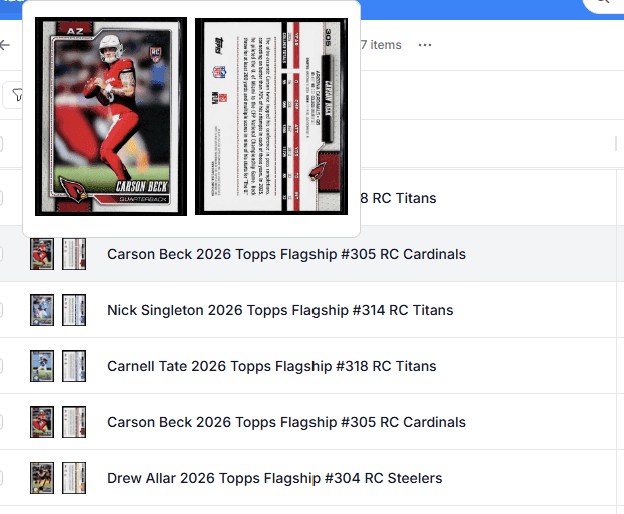
You can now automatically use abbreviations for card attributes and team names in your Title Templates.
For example:
Autograph → AU
New York Yankees → Yankees
Other common card attributes and team names can be shortened automatically.
Simply edit a Title Template and select “Use abbreviations for card attributes and teams.”
Why this matters
Your most important title information needs to appear first.
eBay emphasizes that the first 50–55 characters of a listing title are especially important, and roughly 80% of card buyers are shopping on mobile. Buyers also commonly begin searches with the player name.
Abbreviations help you fit more meaningful information into those critical first characters instead of wasting space on unnecessarily long terms.
A strong title structure might look like:
Player → Year → Set → Card # → Rookie/Parallel/Auto → Team
The goal is simple: use fewer characters without removing the information buyers search for.
2. Bulk End Listings
You can now end marketplace listings in bulk directly from your Inventory or Batch.
Select the cards you want to update, then choose End Listings from the bulk action bar.
This is especially useful when you need to quickly:
Remove a group of cards from sale
Take inventory offline before an event or show
Correct or update listings before relisting
Once ended, cards can be relisted when you’re ready.
3. Shopify Locations
Dealers using our Shopify Direct Connection can now add and manage Shopify Locations within their CDP connection settings.
This makes it easier for dealers with multiple Shopify inventory locations to control where their CDP inventory is associated within Shopify.
Go to:
Shopify Direct Connection → Connection Settings → Shopify Locations
Then select Add Location to configure your locations.
Built From Dealer Feedback
Each of these improvements started as a request from CDP dealers on our Feedback Board.
That feedback helps us identify the small workflow improvements that can save dealers significant time when managing hundreds or thousands of cards.
Have an idea for CDP? Submit it to the Feedback Board in the app and vote for the features you want to see next.