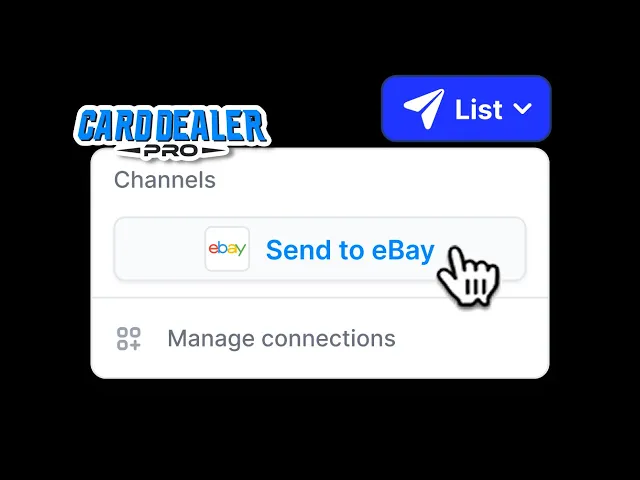
One click List to eBay now in Beta in Card Dealer Pro!
Alex Lynn
Instructions on how to test & provide feedback
Steps to get started:
We’re excited to introduce a Beta version of a game-changing new feature! Our direct integration to eBay’s API is now in Beta, allowing you to list your sports cards to eBay with a single click—no more tedious CSV exports and uploads. Here’s how to get started:
Navigate to Connections in the left menu of Card Dealer Pro, click the gear icon next to eBay, and select Connection Settings.
Log in to your eBay account directly from Card Dealer Pro.
Head over to Marketplace Templates to set up templates using your eBay business policies (shipping, returns, payments), which we’ll pull in automatically via the eBay API.
That’s it—start listing! Open any batch in CDP, select your marketplace template, double-check your data, and send your cards to eBay with one click.
This powerful integration is a major step toward full inventory management, and your feedback during this Beta phase will help us refine it even further. Prefer the old method? No problem—CSV exports are still available.
Say goodbye to extra steps and hello to streamlined selling. Try the Beta version of our eBay integration today! If you have any feedback on the integration submit feedback within CDP via the feedback button on the left hand menu, or create a support ticket!